Description
| Product Dimensions | 0.75 x 0.75 x 0.75 inches |
|---|---|
| Item Weight | 1 ounce |
| Manufacturer | Sysqs |
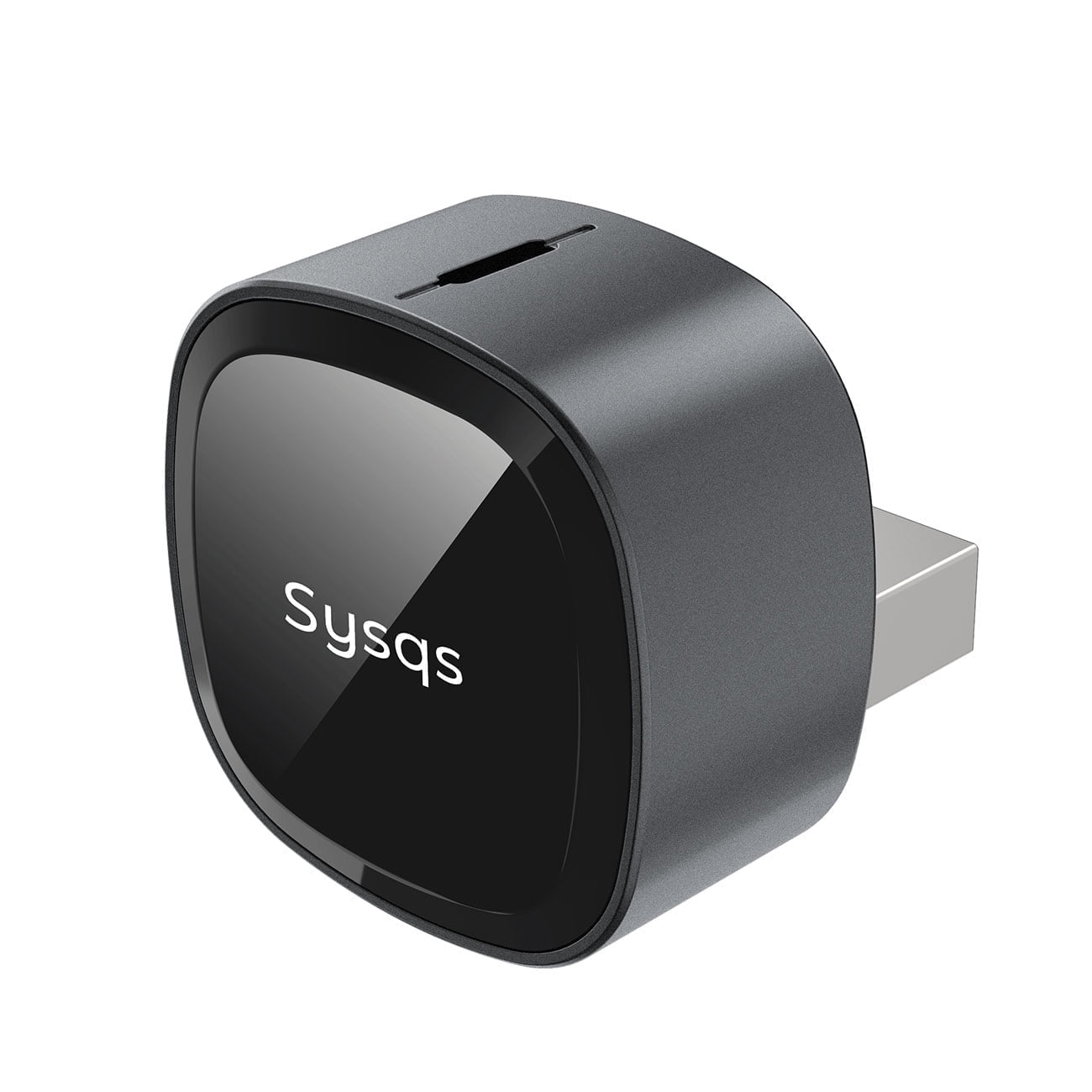


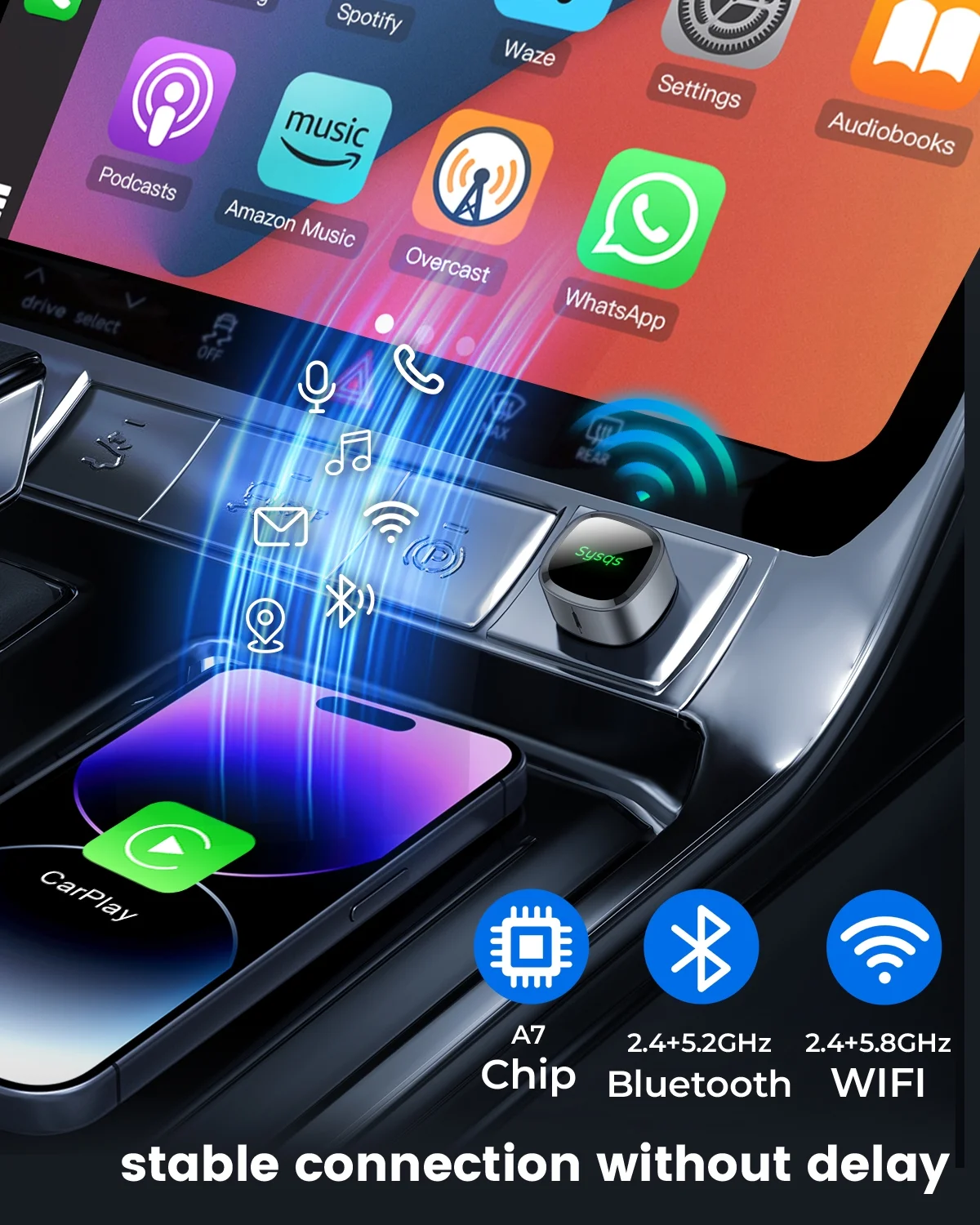


| Special Feature | Instantly auto-reconnects with Lag-free performance, Lifetime firmware, Low Latency, US Based technical support, Ultra-compactInstantly auto-reconnects with Lag-free performance, Lifetime firmware, Low Latency, US Based technical support, Ultra-compact See more |
| Brand | Sysqs |
| Connectivity Technology | Bluetooth, Wi-Fi 2.4 GHz, Wi-Fi 5.8 GHz |
| Power Source | USB-powered |
| Material | Zinc Glass Alloy |
10 in stock
| Product Dimensions | 0.75 x 0.75 x 0.75 inches |
|---|---|
| Item Weight | 1 ounce |
| Manufacturer | Sysqs |
| Weight | 1 oz |
|---|---|
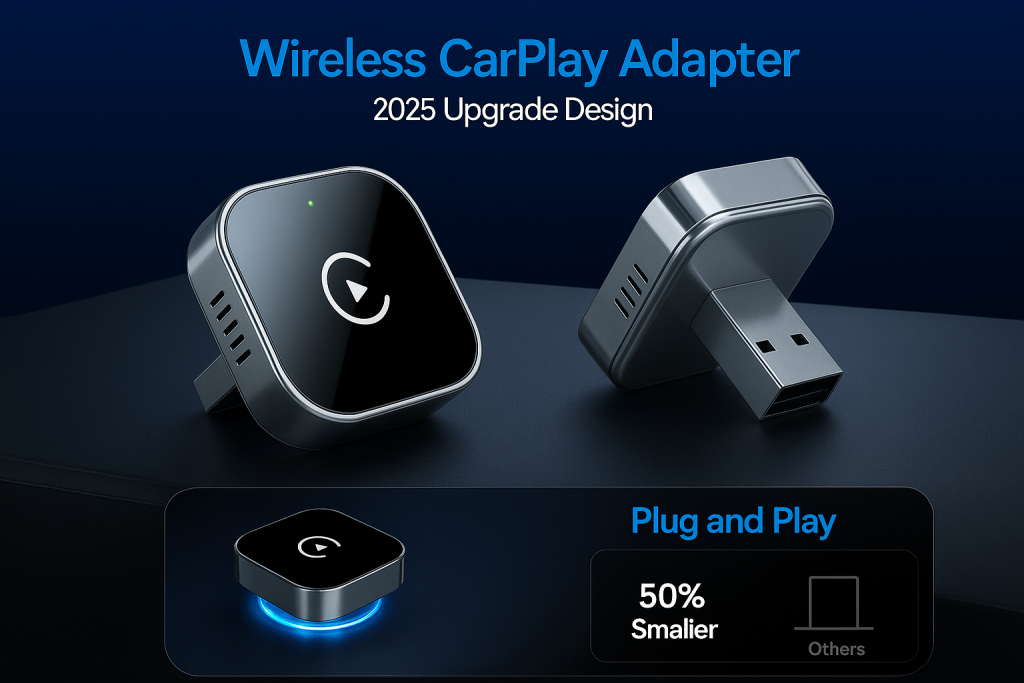
| Dimensions | 0.75 × 0.75 × 0.75 cm |

385 reviews for Wireless CarPlay Adapter
Great CarPlay Upgrade
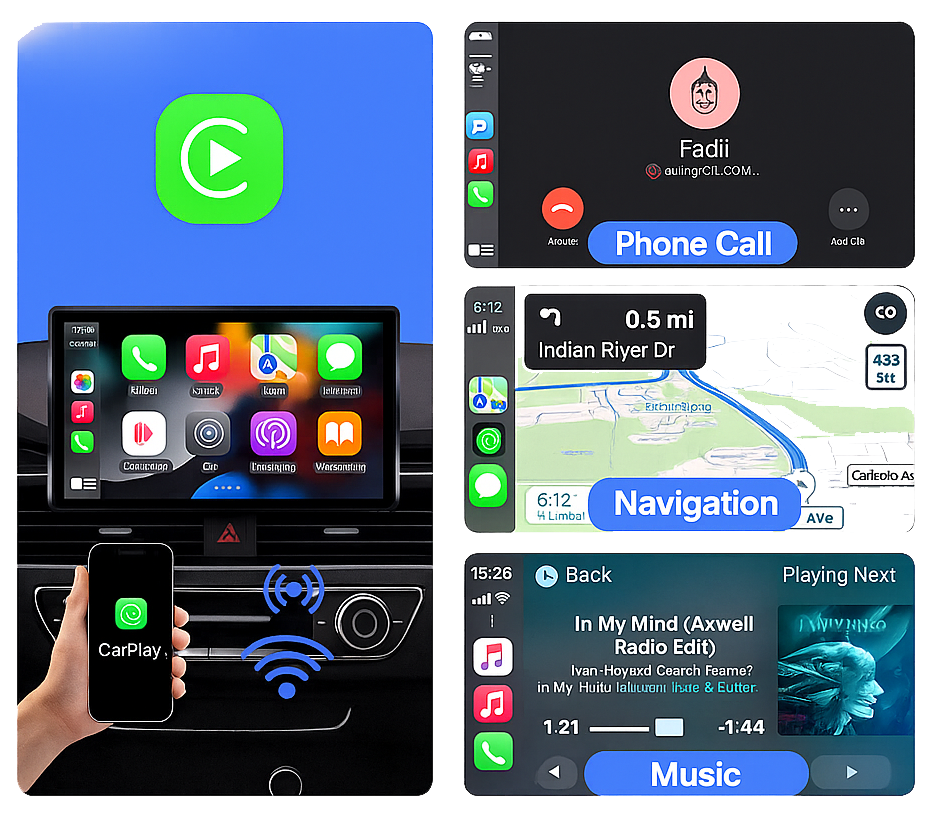
Setup took just a few minutes and everything worked right away. The screen is bright, responsive, and easy to use while driving. It connects to. my iPhone seamlessly for maps, music, and calls without any lag. Honestly feels like I upgraded my whole car without spending a fortune. Highly recommend if you want convenience and safety on the road.
Made my life better
My Toyota Corolla has only a wired Car Play, so this product is real magic. To be fair, I have to say that sometimes. the device freezes, and it helps to disconnect it from the USB port and connect it back, but it doesn’t happen that often. Otherwise, this is a very cool product that makes life in the car easier, more interesting and safer.
Adaptador.
Excelente producto, funciona perfecto. Se conecta rpido y automticamente al encender el carro, sin cables ni complicaciones. La calidad del audio es muy buena y no he tenido cortes ni retrasos Muy cmodo y fcil de usar totalmente recomendado
Returned.
It worked, then it quit working, then it worked, then it quit working. Tired of this, so was I. It seems the cars system was fighting with it.
Not so easy. to get set up as the other reviews promised
I should know better than to believe the reports of an easy installation. I plugged it in and it asked me if I wanted to use CarPlay.. Well, no, because I have an Apple phone. So it went into a snit and wouldn’t do anything else. Then I checked to see if I had CarPlay installed on my phone. It wasn’t, so I installed it. Tried the device again. The lights flashed red and green, so it was still looking for an iPhone. Just to be sure my phone would connect with the car, I connected my phone using a cable, and that worked. So I read the manual, which is printed in the way-too-small-to-be-read font. It says that the Bluetooth screen should come up, but first disable Bluetooth and wifi on the phone, plug in the device, and reactivate Bluetooth and wifi. Progress – now the lights are flashing blue (for Apple). But no Bluetooth screen. Back to the manual and it says that if the Bluetooth screen doesn’t come up, I can go to the phone and connect there. OK, seems to work, but now the device is asking for a password. Password? Back to the manual with a magnifying glass and there seems to be an image that shows a password. Fire it up again, connect from my phone, and this time it launches. Success! However, it doesn’t seem to play nicely with the Bluetooth connection to my hearing aids. But maybe they will learn to co-exist. So I like having the Maps program on the screen, I can play an audio book, and several other tasks. I would have given it 5 stars if I hadn’t spent 5 days trying to get it set up.